 Thistleware
Keycraft
Remap your mechanical keyboard from a real Mac app. No browser, no drivers, no account.

Live remapping
Click a key, choose what it does, and it's on the keyboard a moment later. Every change is checked by reading it back.
Backs up first
Before any change, Keycraft saves your keymap and macros, and restores any backup in one click.
Macros by pressing keys
Record a shortcut or a phrase by typing it. While recording, your presses go only into the macro.
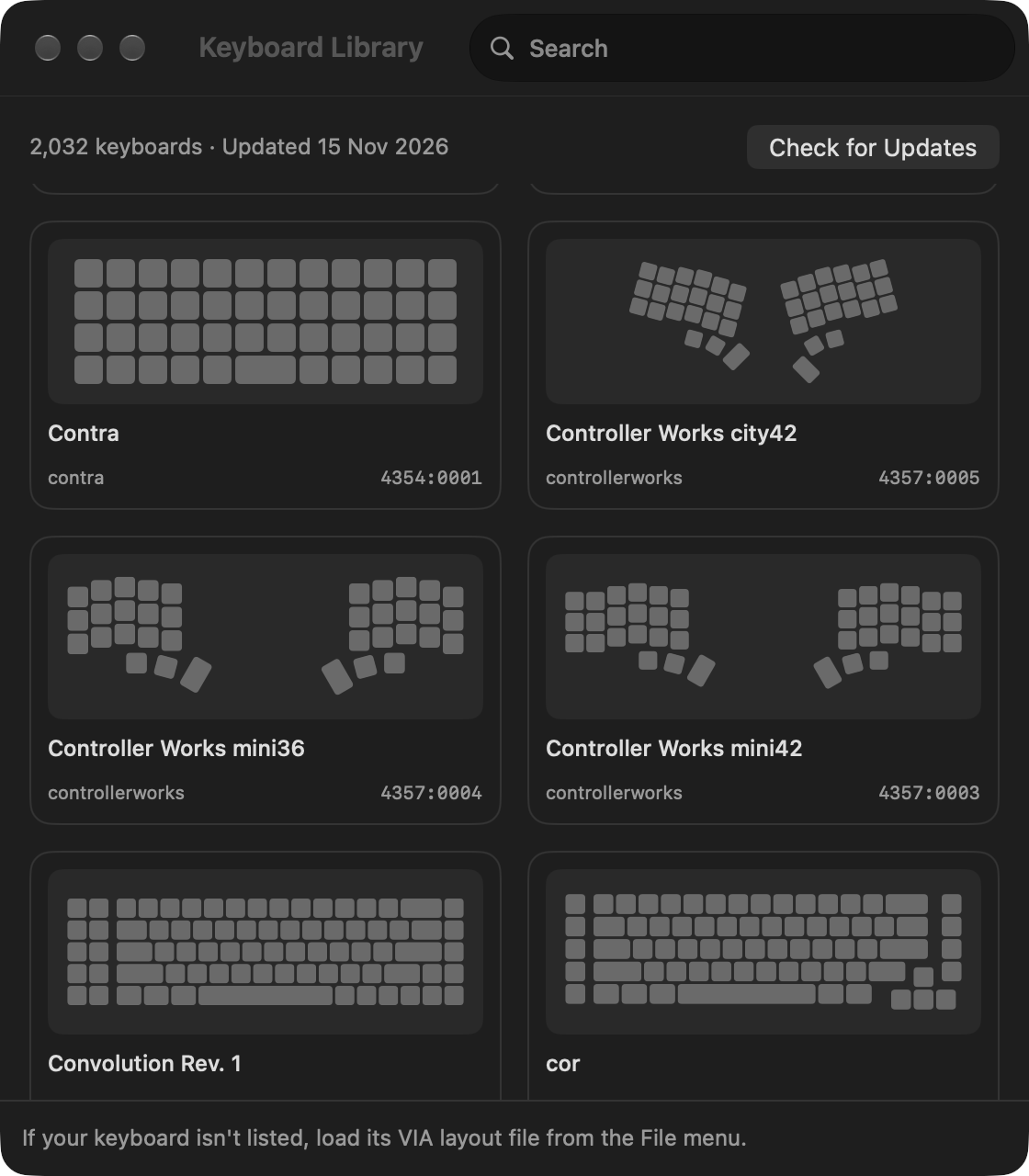
2,000+ keyboards built in
Layouts from the VIA community, kept up to date without app updates.
Every key explained
Each option says what it does, in plain words, before you pick it.
Feels like a Mac app
Light and dark mode, full keyboard control, VoiceOver, and every command in the menu bar.
Your keyboard, any shape
ISO and ANSI, splits, ergo and rotated thumb clusters are drawn exactly as they sit on your desk. Keyboard not listed? Load its layout file and share it, so everyone gets it.
Open source
Keycraft is open source under the GPL-3.0. The ready-to-use Mac app is $4.99, a one-time purchase with free updates.
Keycraft works with keyboards running QMK firmware with VIA turned on.